FreshPrep Senior
Experience Design
Service Design
Research, Testing, Prototyping, Design System
Figma
Lauren, Neva, Sylvia, Van
Summary Video of FreshPrep Senior
Overview
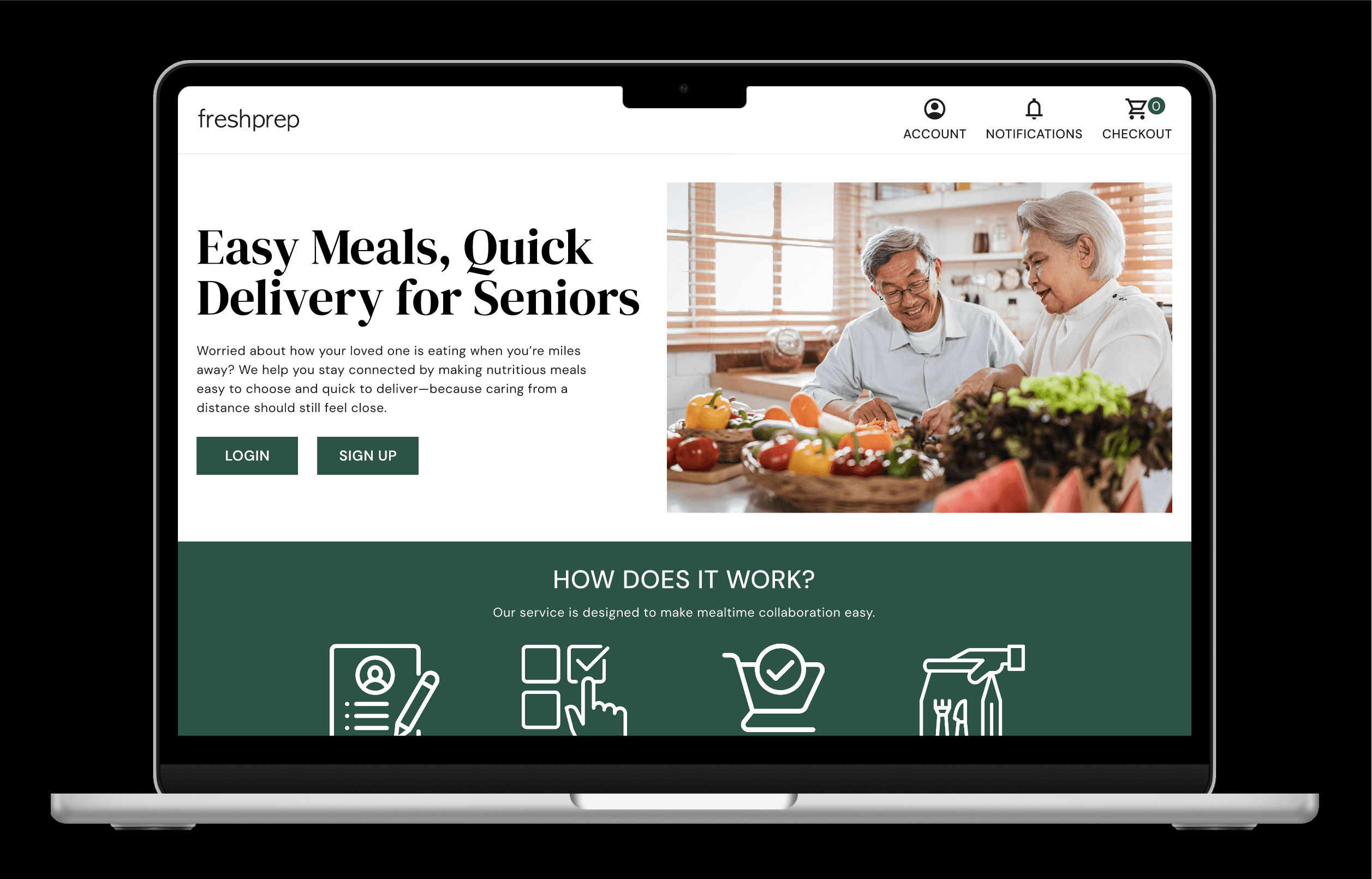
FreshPrep is a delivery service that delivers ready to eat meals and fresh produce with recipes to encourage balanced nutrition and a healthy diet. FreshPrep Senior is a holistic user experience that assists seniors in choosing nutritious and healthy meals that are easy to make and prepare. Seniors and their caregivers can order, track and customize the meals they need to adequately address the senior’s nutritional needs.
Client Discovery
While searching for a client to serve, we explored various communities and groups that may need support or face challenges that could be addressed. As a team, we discovered that 67% seniors have a risk of malnutrition. Research also showed that families that were long distance caregivers struggle to feel included in their senior’s health decisions. On the other hand, seniors still wish to feel independent with daily activities. In order to address these challenges, the team agreed that FreshPrep could help these clients.
Persona of Senior Customer
Meet our Client
Seniors
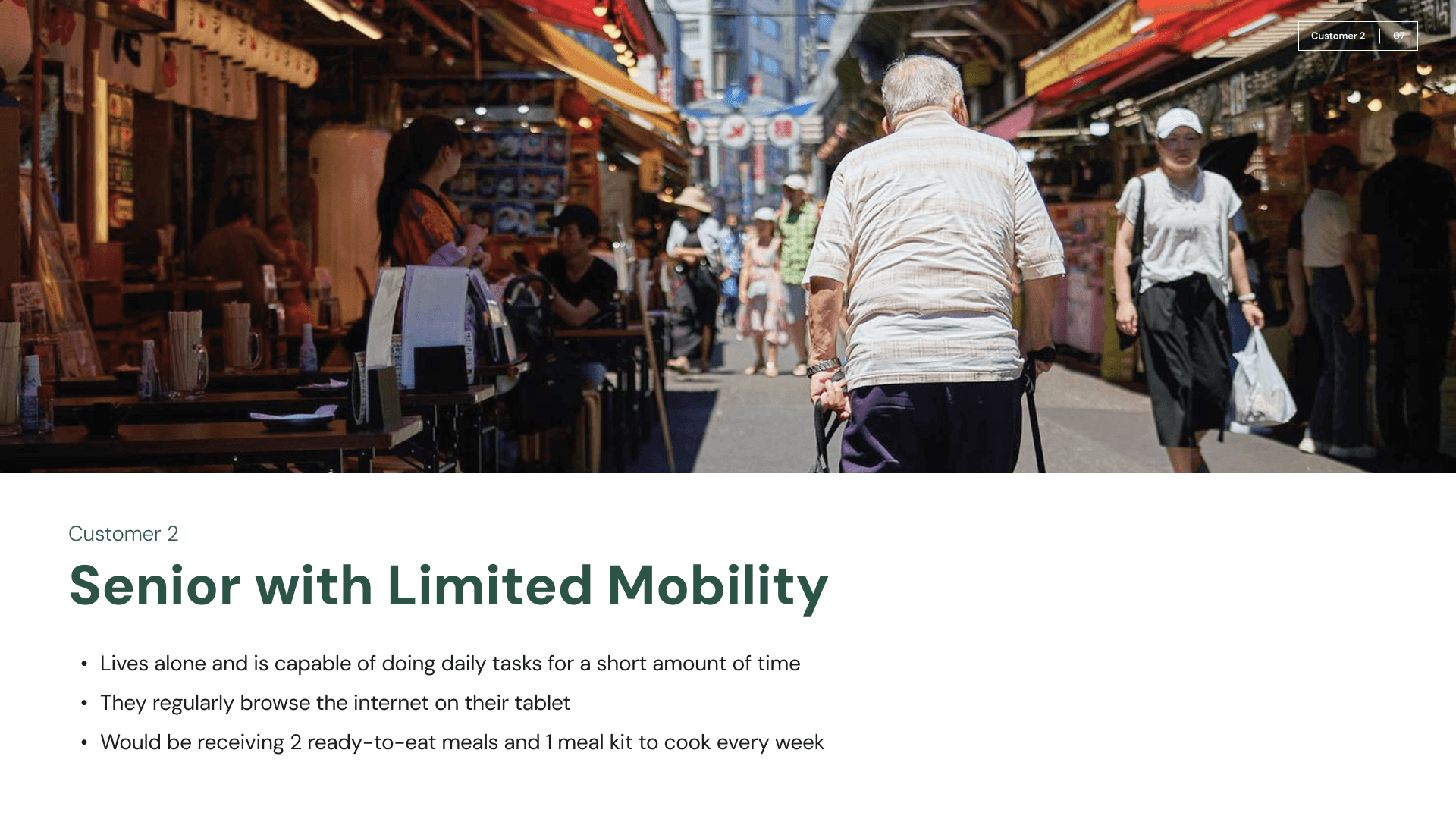
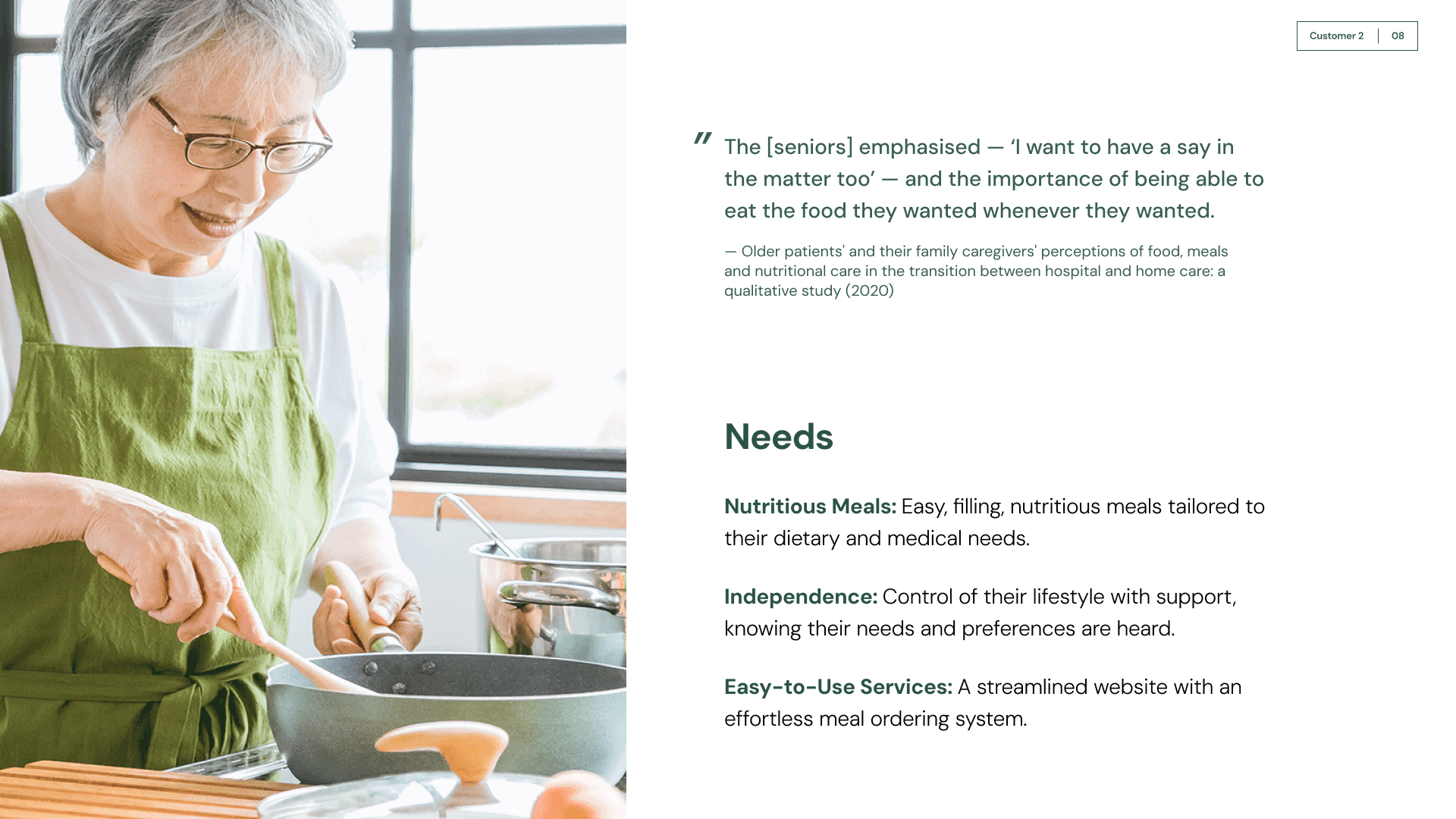
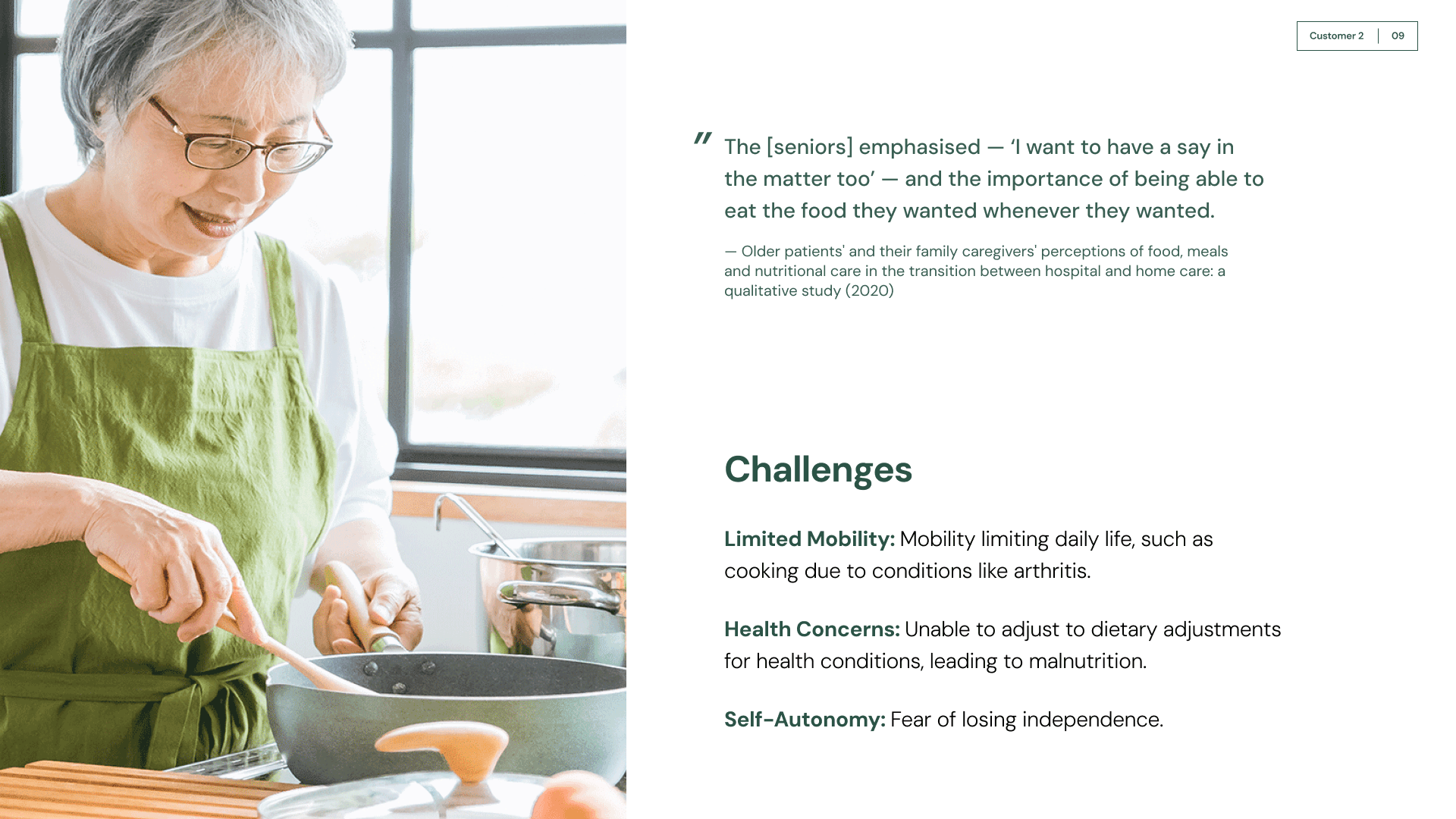
While researching, we uncovered that many seniors face similar challenges with meeting their nutritional needs, struggling with mobility and remaining independent.
Persona of Caregiver Customer
Meet our Client
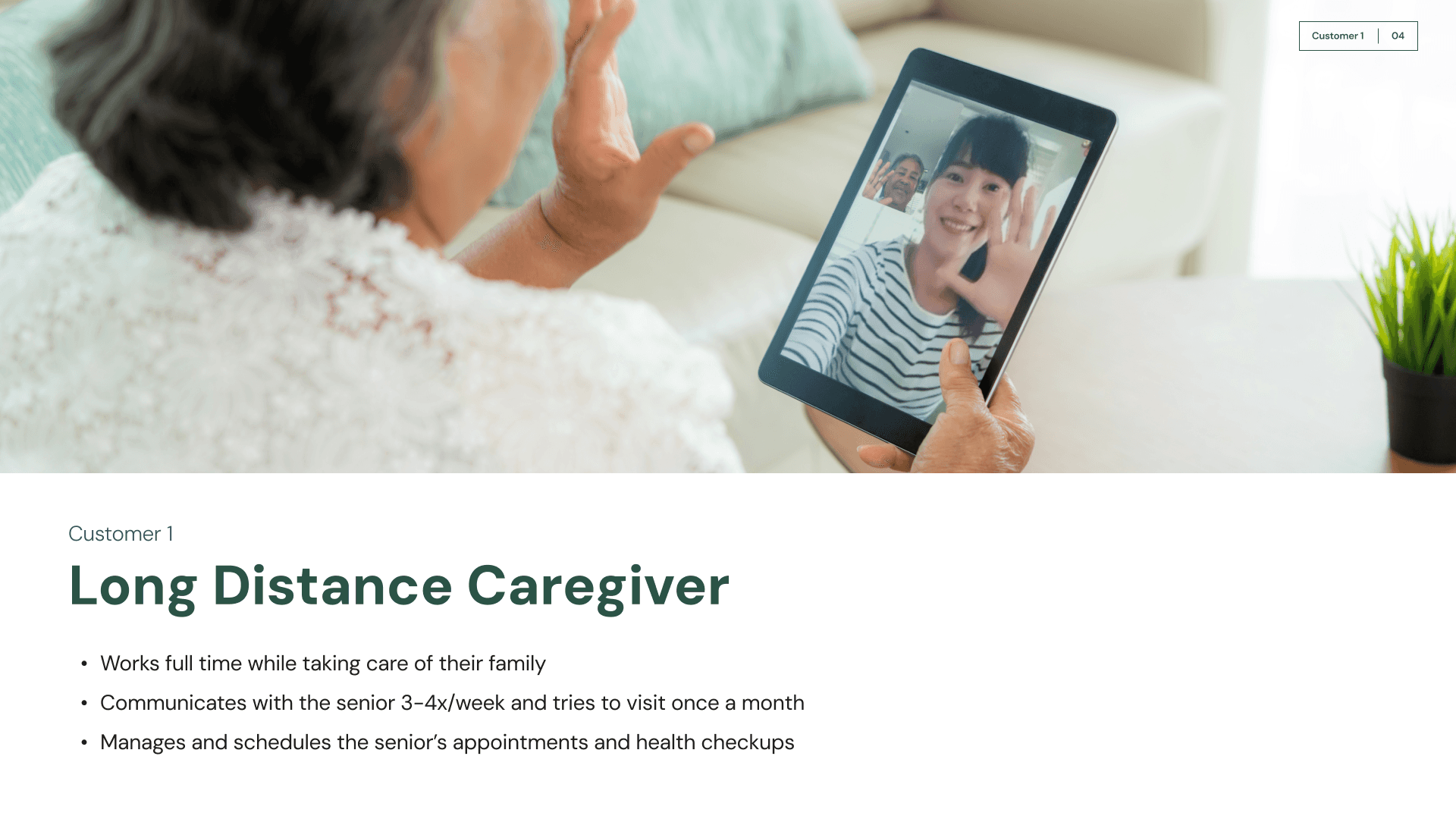
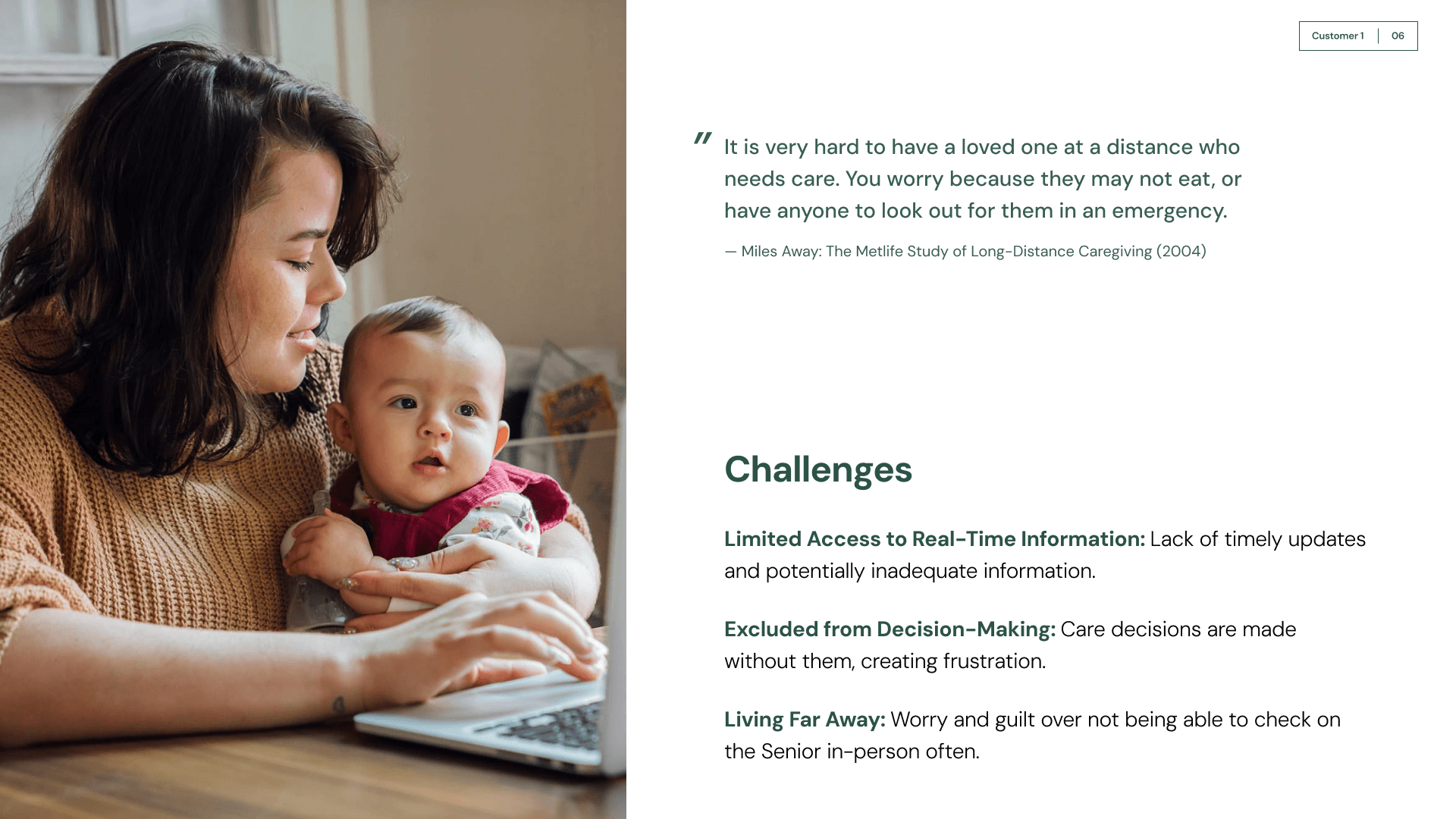
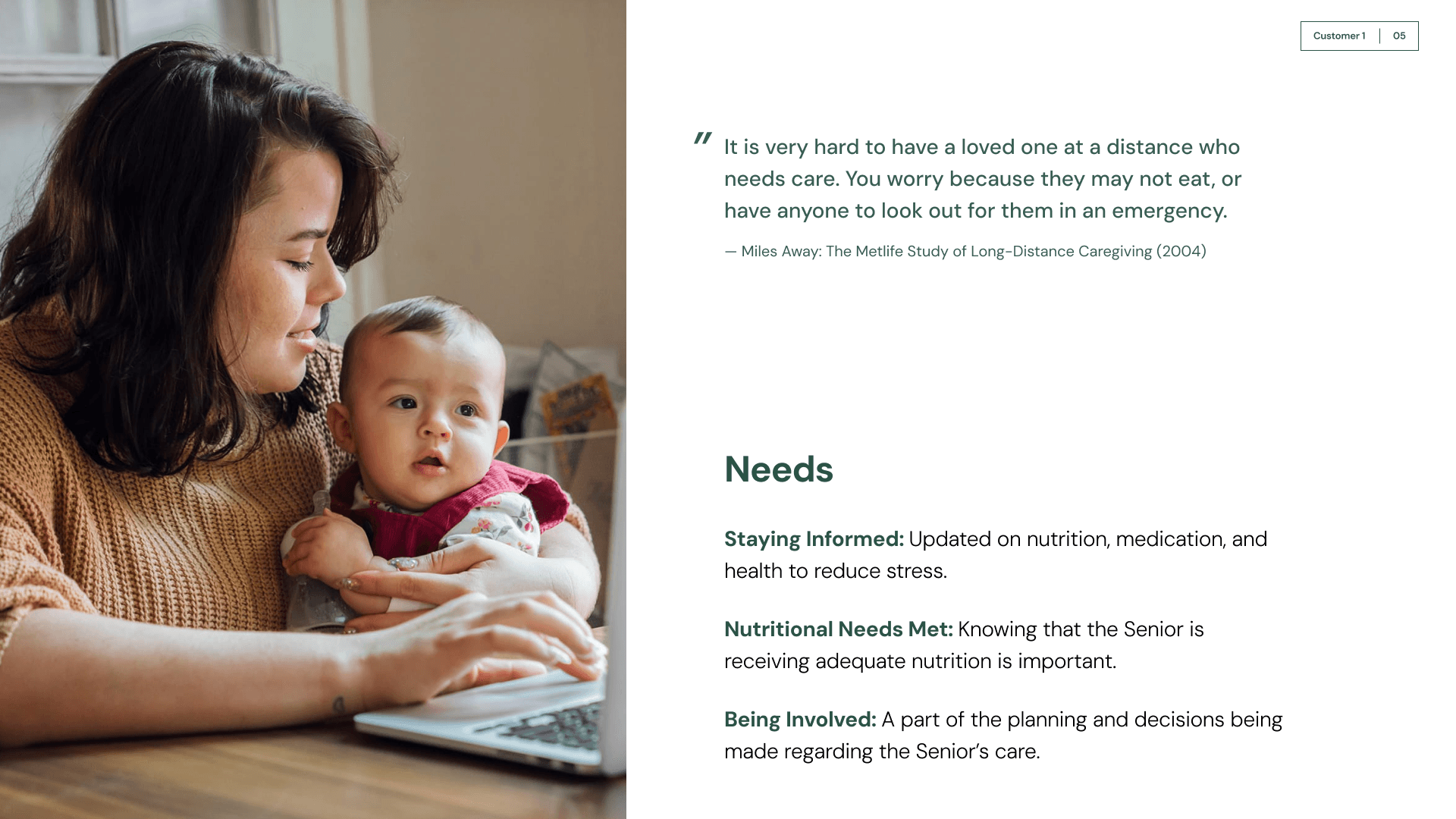
Long Distance Caregivers
After first hand discussions with caregivers and secondary research, we found that long distance caregivers need to be informed on their seniors' health, struggle to be a part of decision making for their seniors, and want to be reassured on their senior’s well being.
Pillars of FreshPrep’s Business
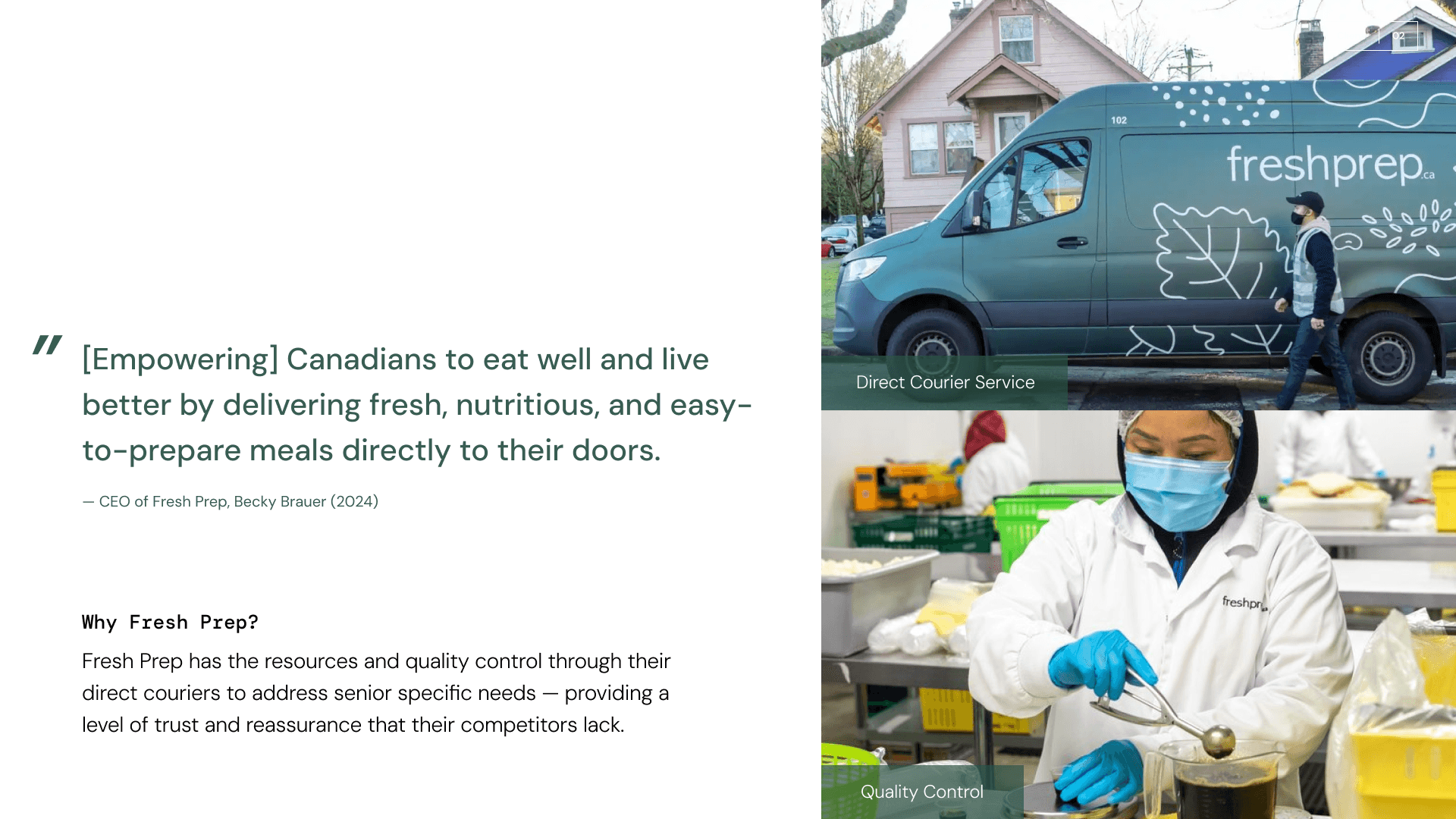
Why FreshPrep?
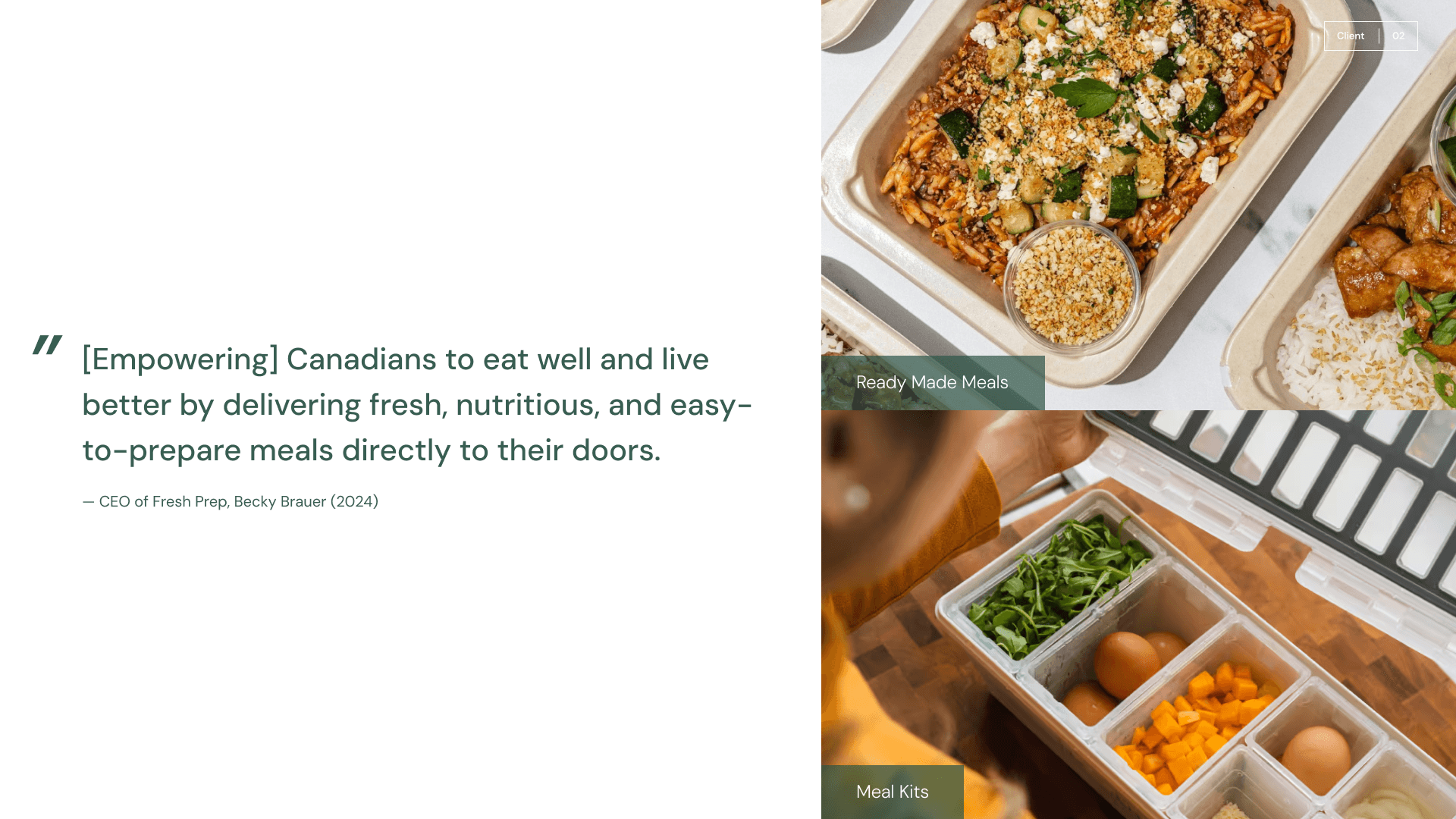
FreshPrep is a company focused on providing Canadians with nutritious and healthy meals that are delicious. They also aim to make these meals accessible through subscription and delivery services. The company’s services and mission have a great opportunity to provide seniors and caregivers with the tools they need to address seniors’ nutritional concerns.
Problem Space
How might we allow seniors independence on meal choices that provides their nutritional and dietary needs, while keeping long distance caregivers informed and part of the decision-making process to ensure their senior’s health?
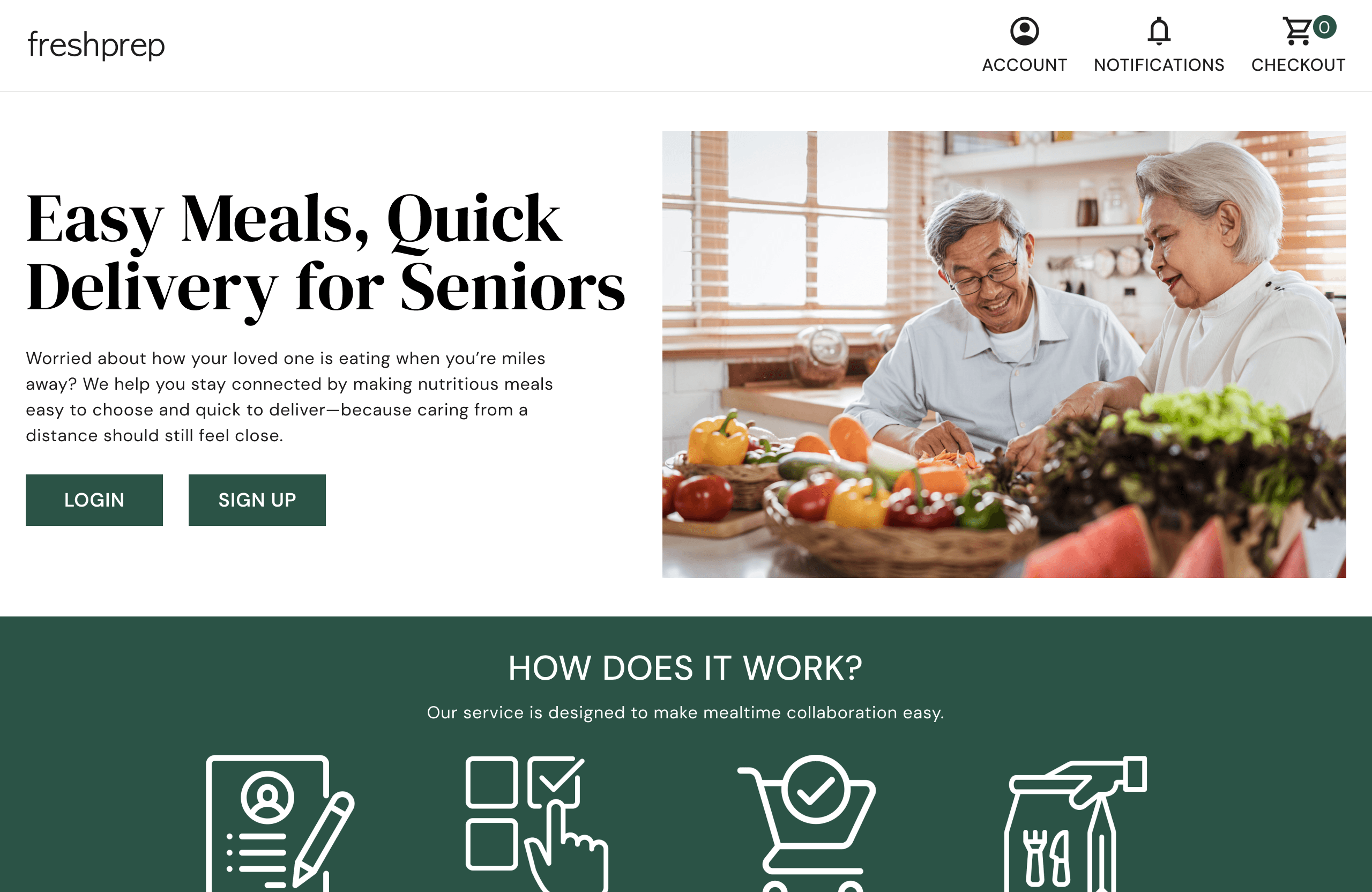
FreshPrep Senior Landing Page.
Design Solution
FreshPrep Senior
We decided upon the most functional concept: creating a new part of the FreshPrep website that is designated to support caregivers and seniors by having a shared family account system. Caregivers can create an account, manage members, add dietary information and order meals.
Slide of examples for our accessible design system.
Key Feature
Profile Set Up
It was important to consider that seniors have various medical and nutritional needs that need to be addressed through their diet. In order to address this, we created a system in which caregivers can select what dietary needs their senior has. This will inform what kind of meals the senior and/or the caregiver can select to order.
Caregiver Interface (top) and Senior Interface (bottom).
Key Feature
Meal Ordering
In order to allow flexibility to both the senior and caregiver, each of them can select the weekly meals for the senior. The senior interface allows them to sort meals based on flavour preferences.
Slide of examples for our accessible design system.
Key Feature
Nutrition Breakdown
Caregivers need to view what dietary goals their senior is reaching with the meals they are ordering. We created a system where caregivers can view the nutritional value of their meals and where different nutrients needed improvement.
Testing and Refining
I assisted in recruiting participants who were caregivers and seniors to test our initial website design and conduct user interviews. I interviewed 2 seniors and 3 caregivers to provide feedback on the usability and overall satisfaction with the website’s content and design.

Figjam file containing all notes from testing participants.
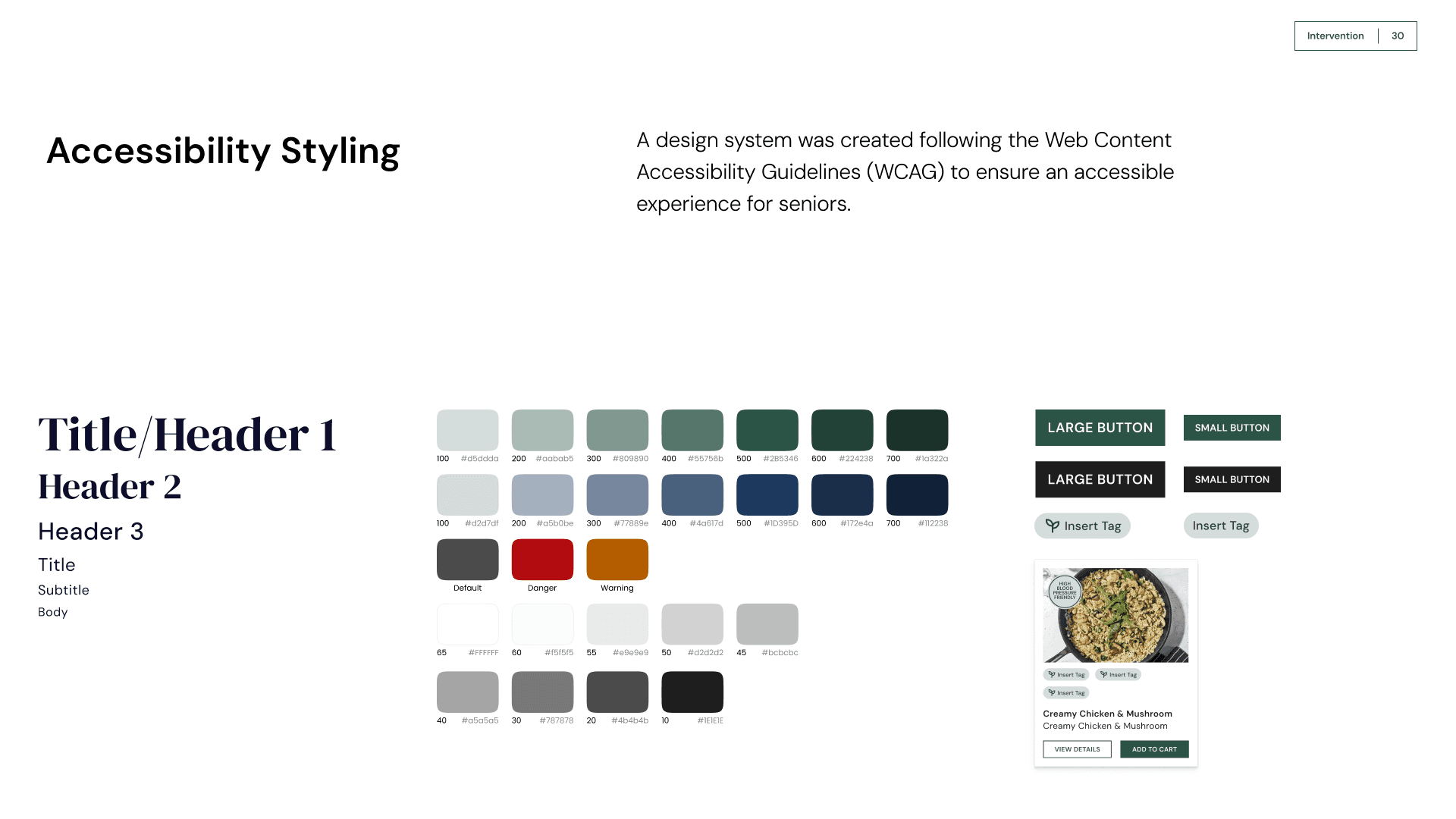
Slide of examples for our accessible design system.
Ensuring Accessibility for Seniors
An important consideration the team implemented into the design process was accessibility for the seniors. The website's design followed the Web Content and Accessibility Guidelines in order to accommodate our users.
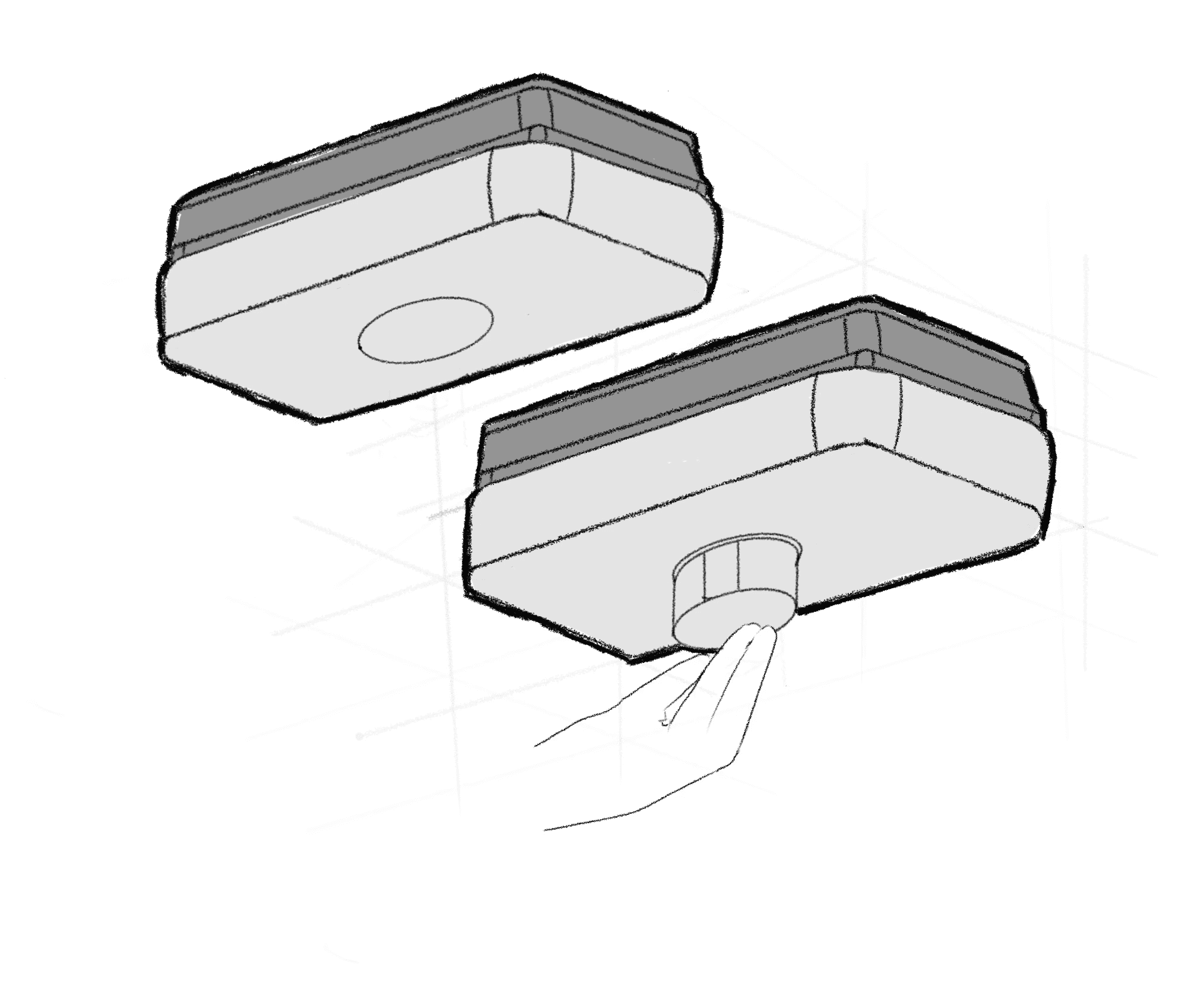
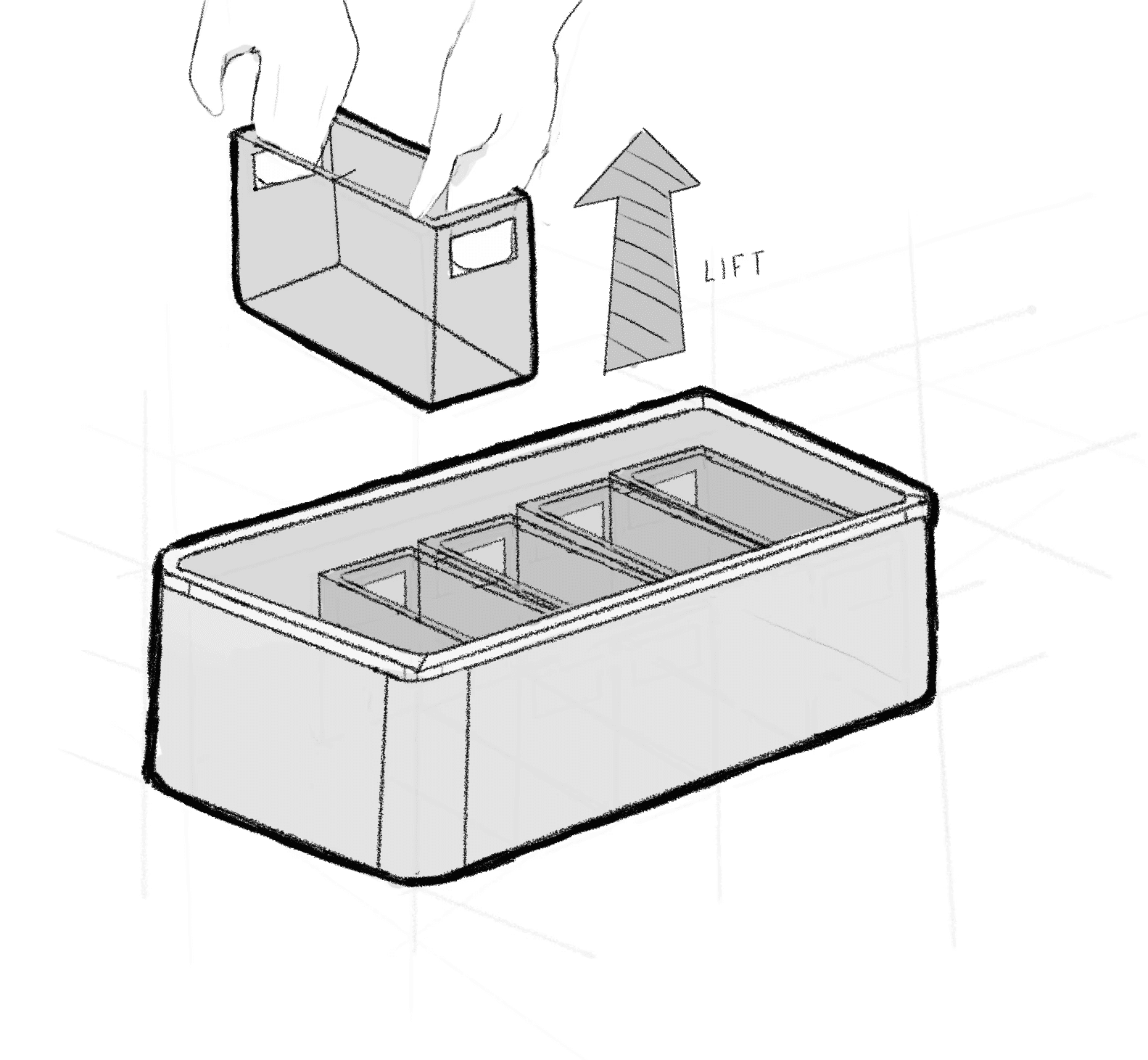
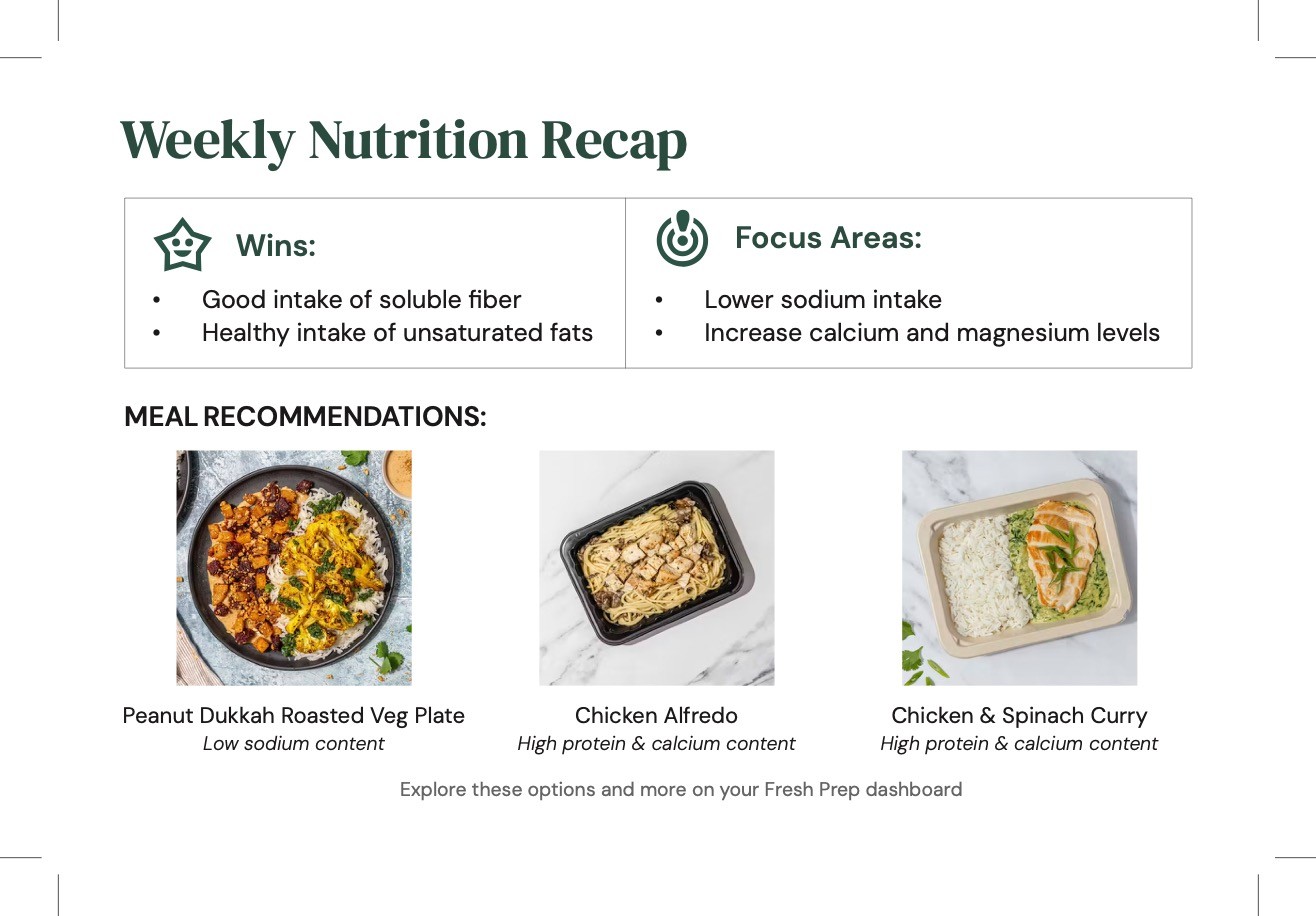
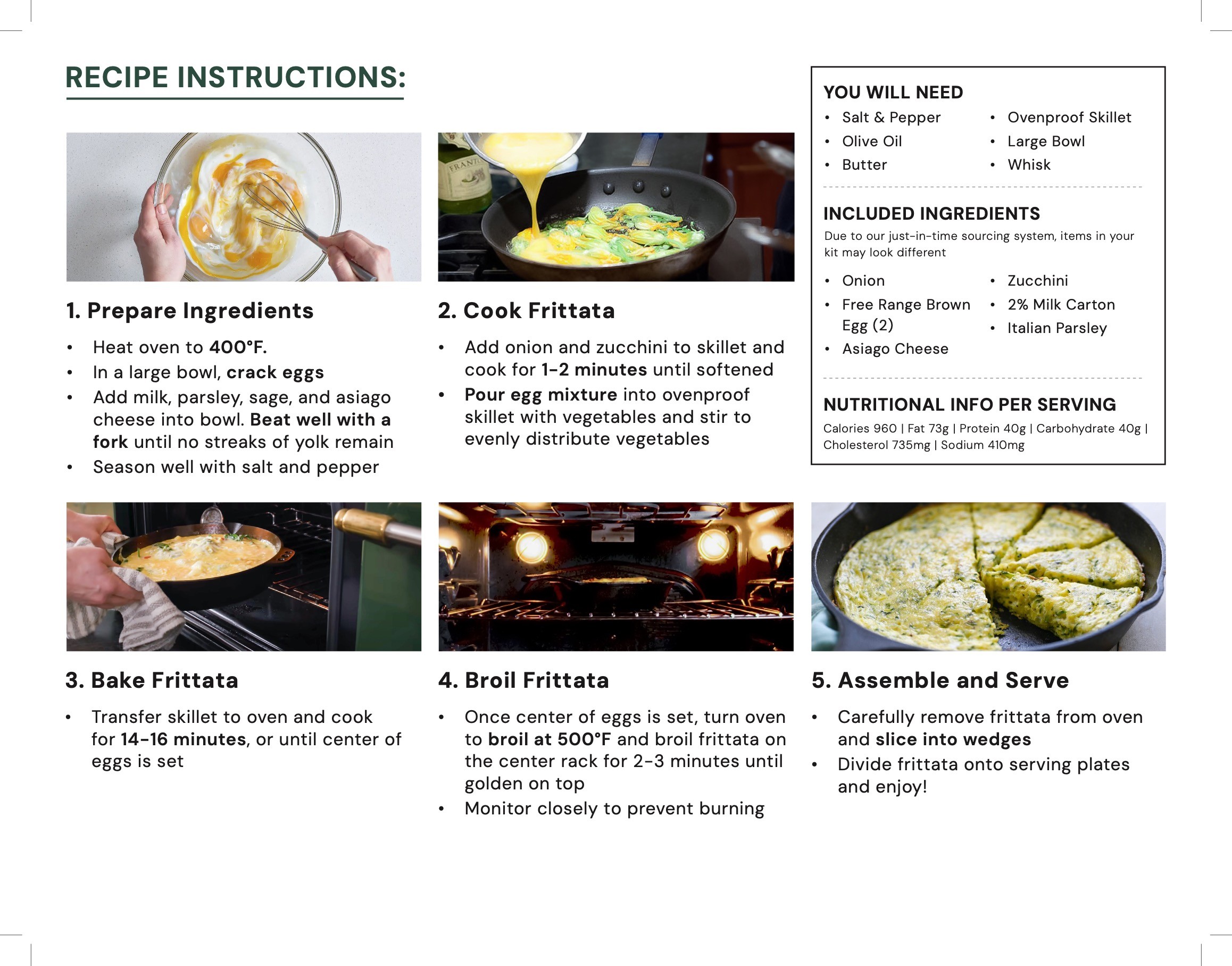
Sketches for accessible container design (top) and accessible recipe cards (bottom).
Additional Touchpoints
We also looked at other touchpoints during the ordering and delivery process that could be more accessible to seniors. We proposed a container design that would be easier to open and close for those with physical challenges. We also redesigned the recipe cards that come with the food to adhere to accessible standards.
Reflection
We incorporated feedback and test results directly into refining our final prototype, prioritizing issues that had the greatest impact on usability. By analyzing user pain points and observed challenges, we identified specific areas for improvement and implemented tangible fixes—such as implementing a design system, enhancing the presentation of nutritional information, and clarifying differences between senior and caregiver user flow. These adjustments ensured the prototype not only addressed real user needs but also delivered a smoother, more intuitive overall experience.